One account is easy. You open the terminal, you see the balance, the open trades, the equity. Run five EAs across three brokers on a couple of VPSs and there's no single screen that shows you all of it. You find out about a problem the next time you happen to log in — which is rarely the moment it starts.
The real risk of running many accounts isn't any single strategy. It's that a problem on one of them — a stalled EA, a runaway drawdown, a disconnected terminal — goes unseen for hours or days because nothing was watching the whole set at once.
The problem: scattered terminals
Each broker is a separate login. Each VPS runs its own copy of MetaTrader. There's no shared view of your total equity, no combined drawdown, no single place that knows all your EAs are still trading. Your risk is spread across machines you have to visit one by one. The information exists; it's just never in one place — which means nobody is looking at the number that matters most, your total exposure right now.
Option 1: Log into each terminal
Free, honest, and it doesn't scale. Checking one account takes a minute; checking eight, across different VPSs and brokers, is a chore you'll do properly for a week and then skip. And you check when you remember, not when something breaks. Manual checking catches yesterday's problem, not the drawdown happening while you sleep. Fine for one or two accounts; a liability past that.
Option 2: MT4 MultiTerminal
MetaTrader ships a MultiTerminal built for money managers running many accounts on the same broker and server. One window, many sub-accounts, one place to see positions. Useful within its limits — and the limits are real: same broker and server only, MT4 only (no mixing in MT5), little in the way of history or analytics, and it's still something you have to sit and watch. If your accounts are spread across brokers, it can't give you the single view you're after.
Option 3: A monitoring dashboard
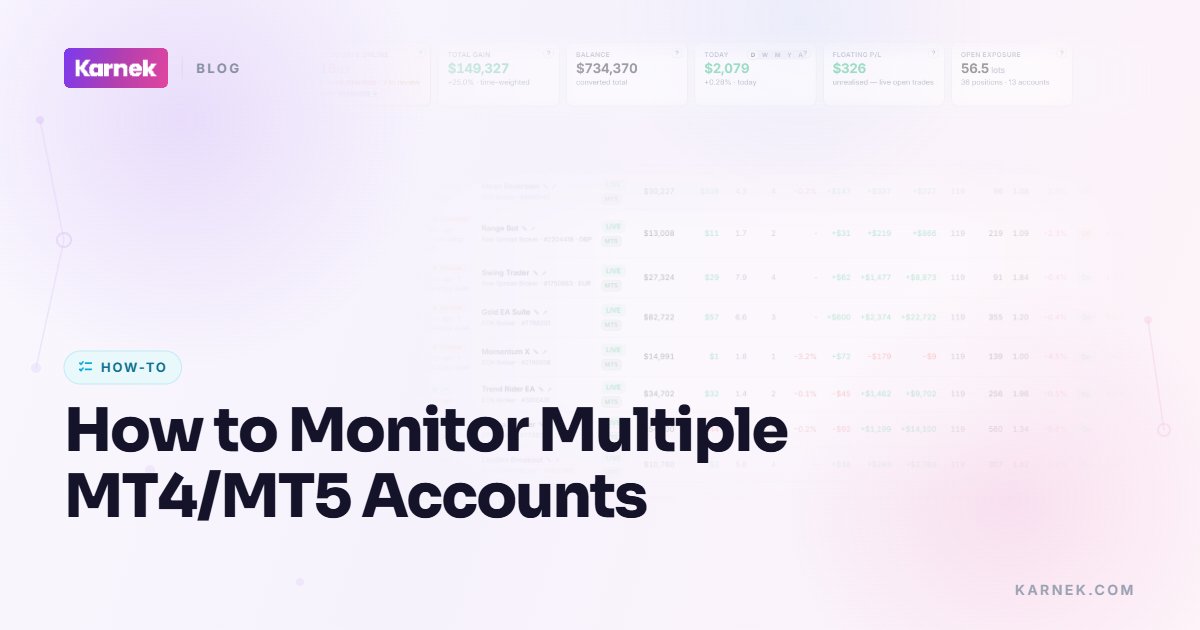
A dashboard reads a read-only feed from each account — every broker, every VPS, MT4 and MT5 — into one screen. This is the Karnek approach. The trade-off is that you're trusting a third party to read your accounts, so the read-only part matters: a monitor should be able to see everything and place nothing. Done right, you get combined equity, per-account drawdown and live EA status in one view, updated without you logging into anything. Setting this up →
What to track across accounts
A single view is only useful if it watches the right things:
- Drawdown against a limit. Per account and combined. A number on its own doesn't help; a number against the line you said you'd never cross does.
- Uptime. Is each terminal actually connected and trading, or has it quietly dropped off? An offline terminal isn't running your strategy — it's a stopped clock. More on uptime →
- Silent EAs. An EA that has stopped placing trades — crashed, detached from the chart, disabled after a terminal restart — without telling you. It looks fine until you notice it hasn't traded in three days and missed every signal.
- Per-account and per-strategy performance. Which account is carrying you and which is bleeding, and how the same strategy behaves across the brokers you run it on. More on portfolios →
Here's why per-account matters as much as the total. Three accounts, £10,000 each, £30,000 in all. Account A is down £2,500, the other two flat. Look at the combined figure and you're down 8.3% — not alarming. Look per account and A is down 25%, deep into territory you'd normally cut. The aggregate hid it. A per-account limit, not just a portfolio one, is what catches the account that's actually in trouble.
Be told, don't check
The whole point of monitoring many accounts is to stop relying on your own attention. Manual checking fails exactly when you're busy, asleep or away — which is when a runaway EA does its damage. Alerting flips it: you set the thresholds and the system tells you. Drawdown breaches a limit, an EA goes silent, a terminal drops offline — you get a push or an email in the moment, not a nasty surprise next time you log in. Why monitoring matters →
The goal isn't a prettier dashboard. It's that no account can get into trouble without you hearing about it. Whichever route you pick — logging in, MultiTerminal, or a read-only dashboard — judge it on one thing: when something breaks on account four at 3am, does anything actually tell you?
The Karnek note
Karnek reads every MT4 and MT5 account you run — across brokers and VPSs — into one read-only view, with per-account and combined drawdown, live uptime, and a flag when an EA goes quiet. It watches all of them at once so you don't have to log into any of them, and it can never place a trade.
Comparing tools? The best EA monitoring software (2026) →
Written and reviewed by the Karnek Research team. Last updated August 2026.
Educational content only - not financial advice. Past performance does not predict future results. Trading carries significant risk.